
Web Crawler Skill
Extracting Webpage Content
The Web Crawler Skill allows your workflow to visit a specific webpage and extract its content as plain text or Markdown. This is incredibly useful for gathering information from public websites.
Monitoring Competitor Pricing from Public Websites
Imagine you need to regularly check the pricing of a specific product on a competitor's public website. Instead of manual checks, you want an automated workflow to pull this information.
The Challenge
Manually browsing and extracting data from a webpage is inefficient and prone to human error.
The Solution
Use a Web Crawler Skill to automatically visit the competitor's product page, extract the content, and then use other AI Skills (like a Prompt Skill) to find the pricing information within the extracted text.
Setting Up the Web Crawler Skill
Locate the Skill: Drag and drop the Web Crawler Skill onto your Workflow Builder canvas. Place it where you need to fetch webpage content.
Configure "URL": Enter the full web address of the page you want to crawl.
Configure "Instruction": Provide any specific instruction to the crawler (e.g., Extract only the product pricing information from this page).
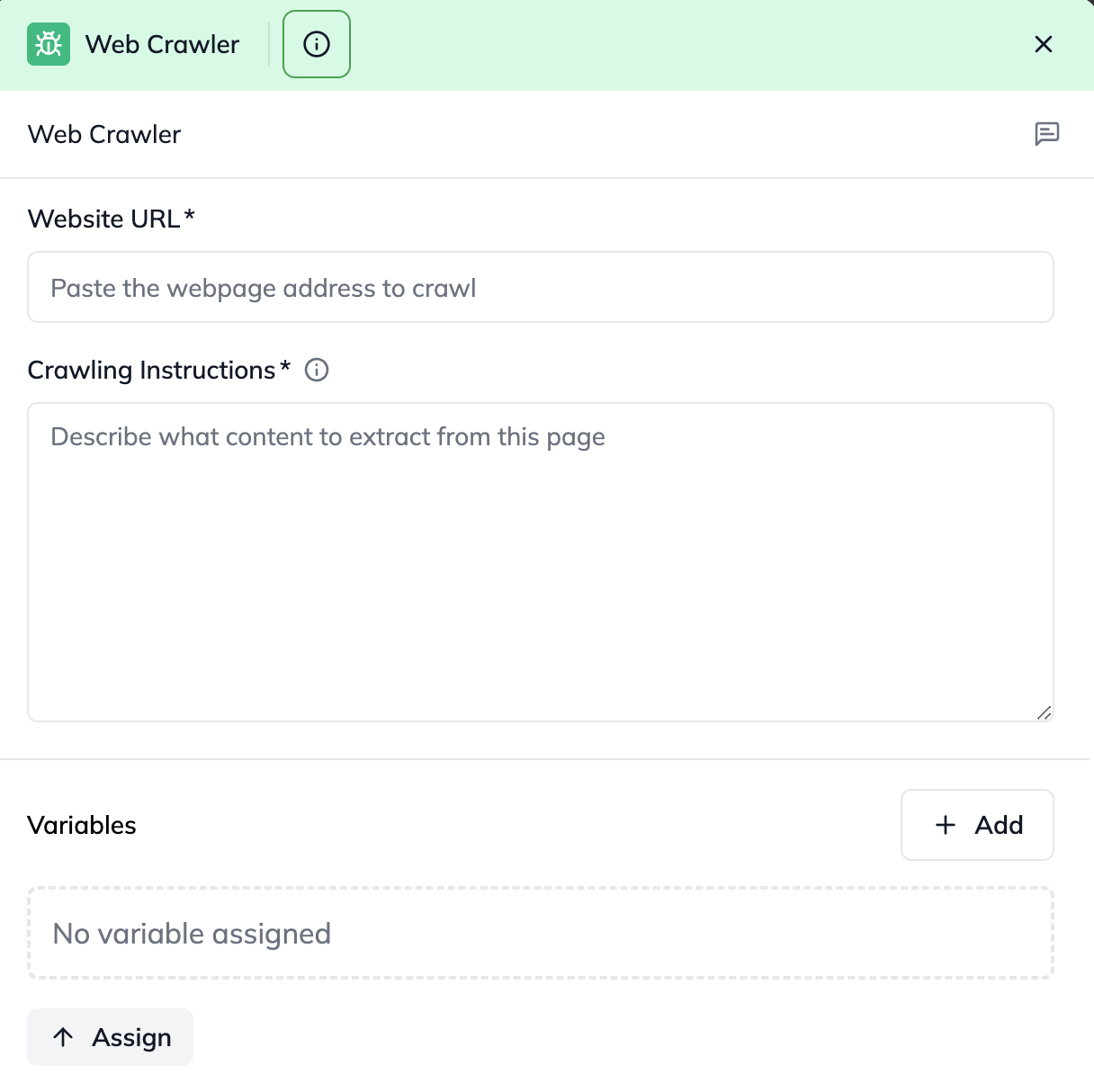
Configuring the Web Crawler Skill to extract content from a specific webpage
Understanding the Outcome (Output)
The Web Crawler Skill provides the webpage content in two formats:
extractedContent: The raw plain text content of the webpage.
markdown: The content formatted in Markdown, which can be easier for further AI processing.
statusCode: A number indicating the result of the crawling attempt:
200: Successfully extracted data from the webpage.
400: Bad Request. This usually means the URL was malformed or Instruction was missing/invalid.
500: Internal Server Error. This means the system failed to parse or extract data from the webpage.
error: A text message providing more details if an error occurred. This will be null if the statusCode is 200.
You can then pass this output to a Prompt Skill or Data Extraction Skill to find the specific information you need (like pricing).