
Speech Recognition Skill
Converting Voice to Text
The Speech Recognition Skill converts an audio file (speech) into text. This is essential for processing voice interactions, meeting recordings, or voicemails within your workflows.
Summarizing Customer Service Call Transcripts
Imagine your call center records customer service calls. You want an automated workflow to take these audio recordings, convert them to text, and then use other AI to summarize the call or extract key information.
The Challenge
Analyzing audio recordings manually is time-consuming and difficult to scale.
The Solution
Use a Speech Recognition Skill to automatically transcribe the call audio into text. This text can then be fed into other AI Skills (like a Prompt Skill for summarization or an Entity Recognition Skill).
Setting Up the Speech Recognition Skill
Locate the Node: Drag and drop the Speech Recognition Skill onto your Workflow Builder canvas. Place it after a Skill that provides an audio file (e.g., a "Document Fetch Skill" that retrieves a call recording from storage).
Configure "Media File Link": Provide the direct download URL for the audio file.
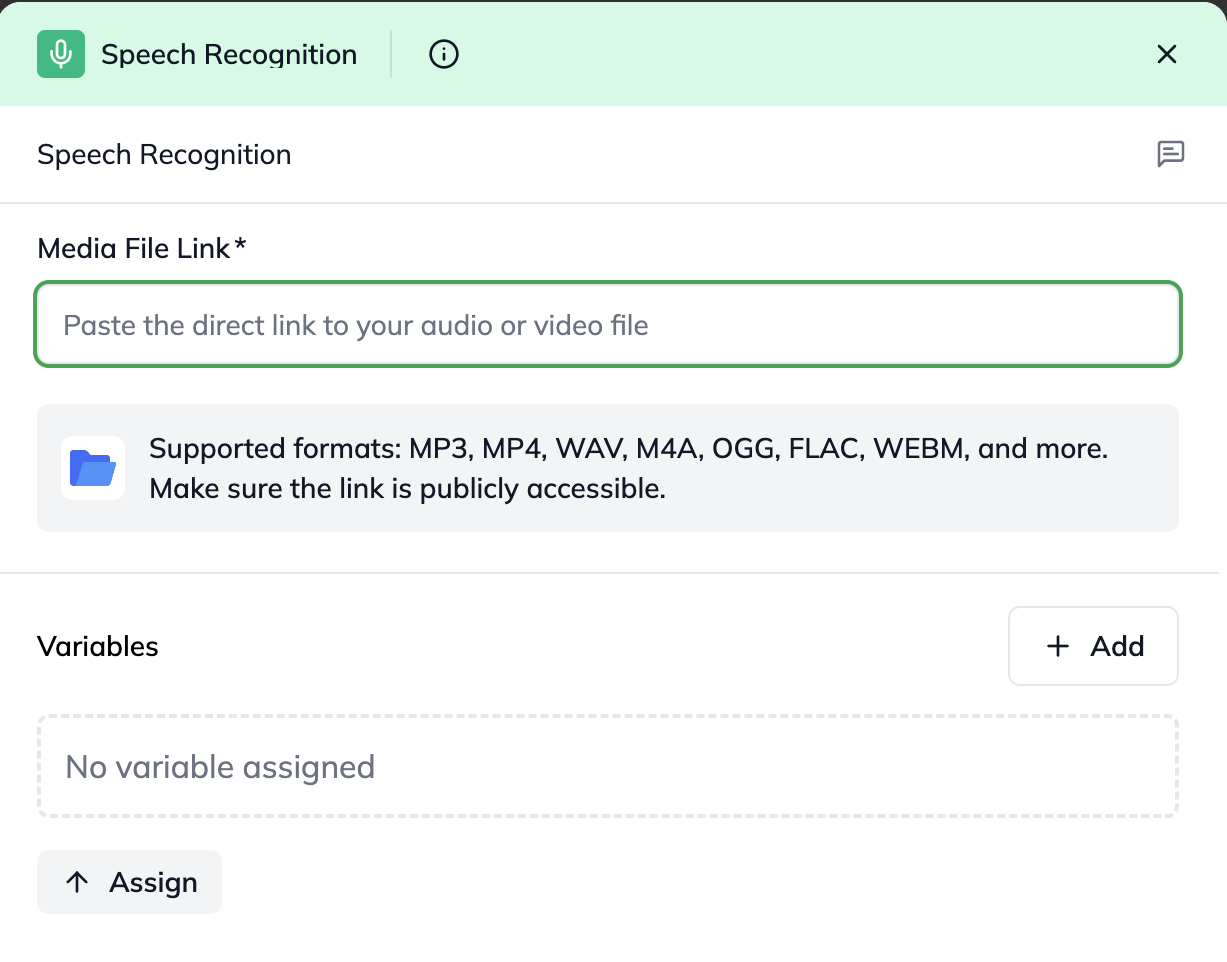
Configuring the Speech Recognition Skill with the audio file URL
Understanding the Outcome (Output)
The Speech Recognition Skill provides the following information after processing:
transcription: This is the full text transcription of the audio file. This is the primary output you'll use in subsequent nodes.
statusCode: A number indicating the result of the transcription attempt:
200: Success – The transcription was generated successfully.
400: Invalid or inaccessible URL – The provided mediaFileLink could not be resolved or accessed.
500: Service-side failure – An internal transcription error occurred.
error: A string with a descriptive error message. This will be null if the statusCode is 200.