
Document Fetch Node
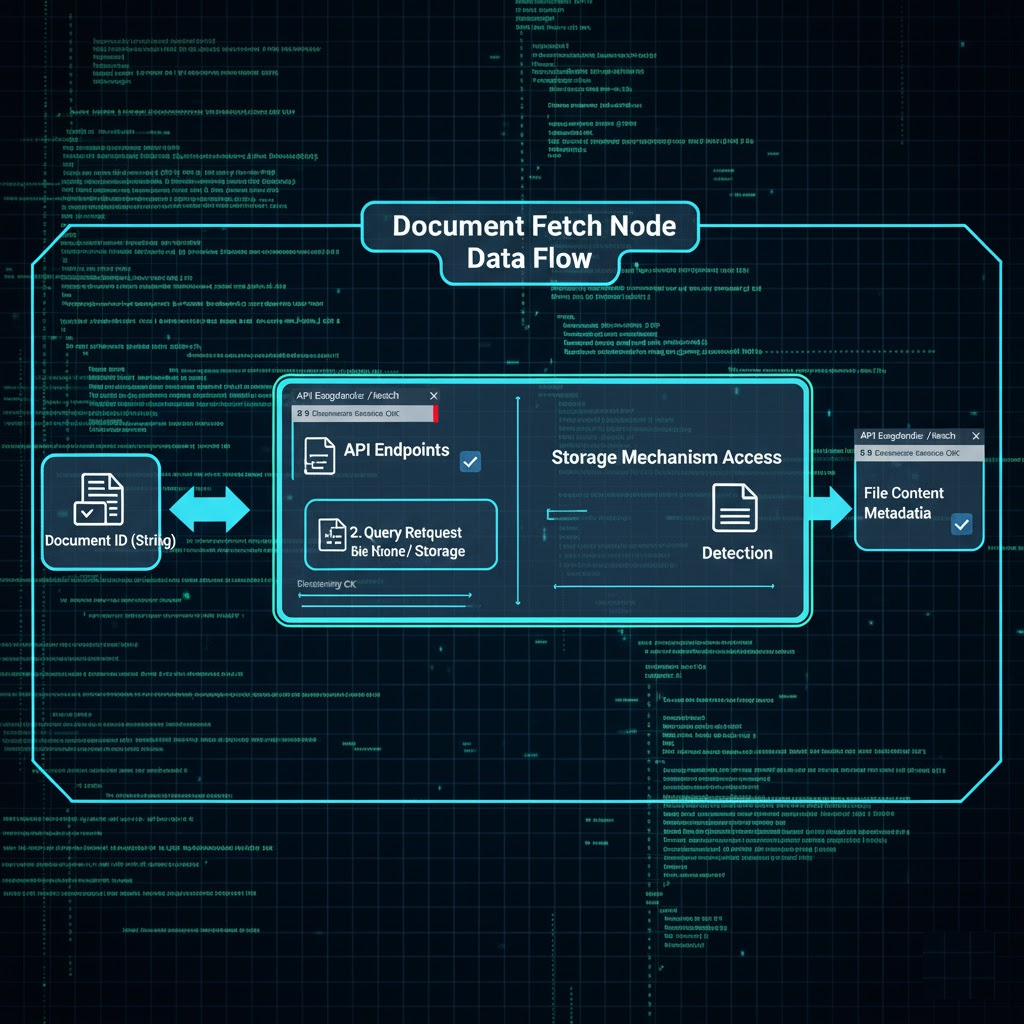
The Document Fetch Node retrieves one or more documents previously uploaded in the same conversation or saved to persistent storage. It enforces strict access control.
How It Works
Input Resolution: Uses $input (previous node output) and $secret (vault secrets).
Request/Processing: Accepts an array of document descriptors (documentId, source, storagePath?) and performs a batch fetch.
If documentId is passed and source is conversation, it fetches from current conversation.
If both documentId is passed and source is storage, it fetches from the storage and storagePath, if passed.
Documents from other conversations are not accessible.
Execution Model: Blocking – retrieves all documents within the node execution step.
Response Handling:
Success: Returns an array of results, each including content, metadata, source, and status.
Partial success: Some documents succeed, others fail (e.g., not found or unauthorized).
Failure: If documents array is missing or invalid, returns 400.
Configuration Schema
documents
Array
✅
List of documents to fetch. Each object: { documentId, source, storagePath? }
name
string
Optional
Display label in canvas.
description
string
Optional
Long-form help text.
Output Schema
Field
Type
Always
Description
results
Array
✅
One object per requested document.
statusCode
number
✅
Overall status code: 200, 207 (partial), or 400/500.
error
string | null
Optional
Present if overall execution failed.
Each Result Object in results Array
documentId
string
Document ID that was requested.
url
string | null
Signed URL to download the document.
mimeType
string| null
MIME type (e.g., application/pdf).
fileName
string| null
Original filename.
source
string
"conversation" or "storage".
statusCode
number
Status per document (e.g., 200, 404, 403).
error
string | null
Error message if status = error.
Error Handling
Condition
Status
StatusCode
Notes
Empty/missing documents array
error
400
Invalid input.
Document not found
error
404
For individual item in results.
Unauthorized cross-conversation access
error
403
Secure isolation enforced.
Internal error
error
500
Unexpected exception.
Single-Node Test API
For testing a node in isolation (e.g., via the UI "Test" button or a dedicated API), the following endpoint is used:
Path: /skill-runtime/workflows/nodes/DocumentFetch/execute
Method: POST
Purpose: Execute one node in isolation.
Request Body :
{
"nodeType": "DOCUMENT_FETCH",
"config": { /* refer to configuration schema */ },
"input": { /* becomes $input */ }
}
Security Notes:
Cross-conversation access is strictly forbidden.
Use of $.secret is allowed for document ID lookup, not for content.
Logs redact document content. Only IDs, status codes, and error messages are logged.
All storage-based fetches are validated with documentId.
Last updated