
Entity Recognition Node
Text Processing Technical Deep Dive
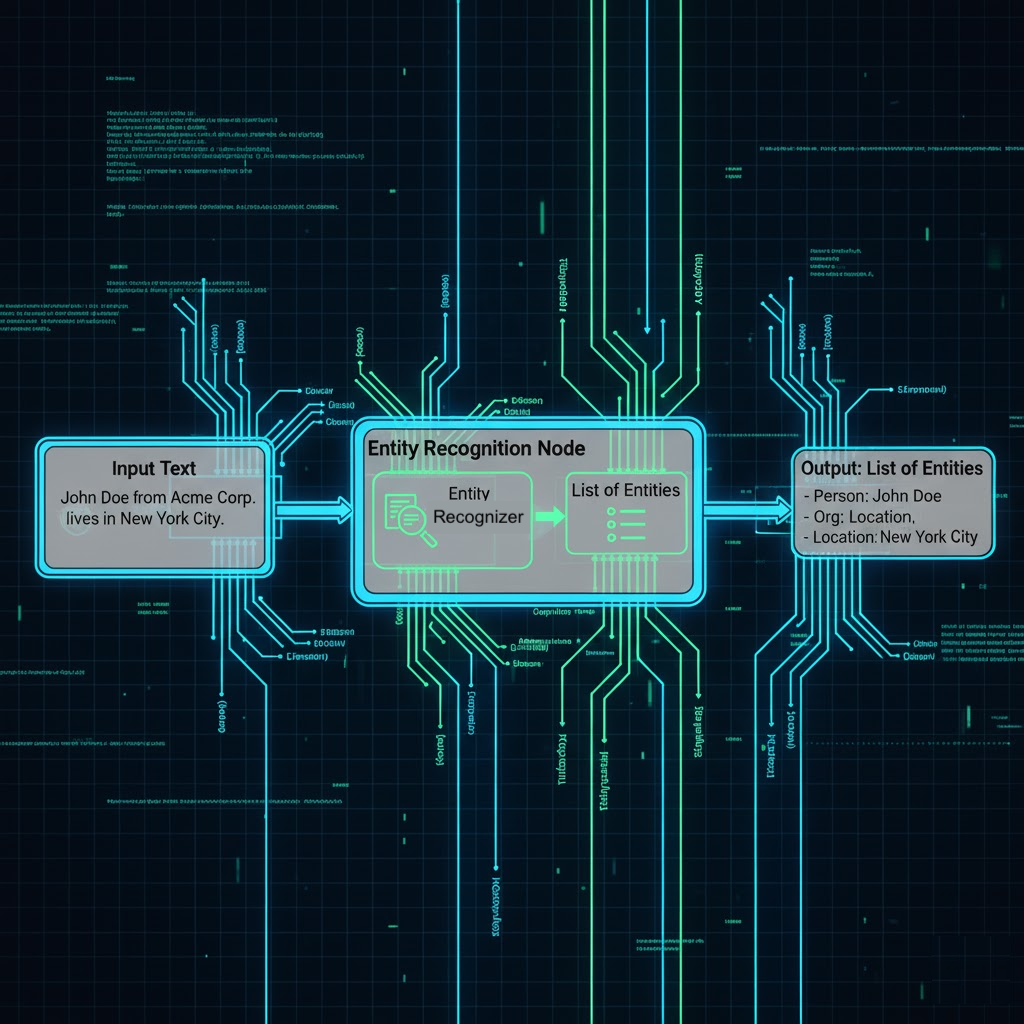
The Entity Recognition Node is designed to extract predefined or custom entities from raw text using a configured entity recognizer. This document details its technical specifications, including purpose, how it works, configuration schema, input/output data formats, and error handling.
Purpose and How the Node Works
The Entity Recognition node identifies and classifies structured data (e.g., names, dates, contact information) from unstructured input, enabling downstream nodes to act on these extracted values.
Input Resolution: Primarily takes an input string. It can use $input (previous node output) or $secret (vault secrets) to construct this input text or provide credentials for the entityRecognizerId if needed.
Example Reference: John Doe works at Acme Corp. Contact: +91 9876543210
Request/Processing:
The node sends the raw input string along with the selected entityRecognizerId to the backend recognizer.
The recognizer applies:
Standard entity patterns (e.g., SSN, Phone Number, Email, Date, Full Name, Zip Code, Address).
User-defined custom regex rules (if configured in the entity recognizer).
All matched entity strings are returned.
Execution Model: Blocking – the node waits for recognition to complete before the workflow proceeds.
Response Handling:
Success: Returns a result array containing a list of recognized entity strings.
Failure: Returns an error object and an appropriate statusCode.
Configuration Schema
The Entity Recognition Node's behavior is defined by its configuration parameters:
Field
Type
Required
Description
entityRecognizerId
string
✅
ID of the entity recognizer model to use.
input
string
✅
Raw text input to scan for entities.
name
string
Optional
Optional display name for this node instance.
description
string
Optional
Optional description to document this node's purpose.
Supported Entities (default recognizer):
SSN, Phone Number, Email, Time, Date, Full Name, Zip Code, Address.
Custom Regex (optional):
Custom regex patterns can be added to the entity recognizer configuration to support domain-specific extractions (e.g., Tax IDs, Application Numbers). These generally have a name, pattern, and flags.
Output Schema
The node's output port (entityRecognitionResult) will always conform to the following schema:
Field
Type
Always
Description
result
string[]
✅
List of matched entity strings from the input.
error
object
No
Error object if recognition failed.
statusCode
number
✅
HTTP-like status code indicating the result of the operation.
Examples
Success Example
Configuration:
JSON
{
"entityRecognizerId": "a6412cdc-664c-4795-b652-cd3d93659da3",
"input": "John Doe works at Acme Corp in New York. His contact no is +91 9876543210.",
"name": "Entity Recognition Test",
"description": "This is a test of the Entity Recognition Node"
}
Output:
JSON
{
"result": [
"John Doe",
"Acme Corp",
"New York",
"+91 9876543210" “statusCode”: 200,
],
"error": null
}
Failure Example (Invalid entityRecognizerId)
Configuration:
JSON
{
"entityRecognizerId": "invalid-id",
"input": "Some text."
}
Output:
JSON
{
"result": null,
"error":”invalid-id” {
"statusCode": "400",
"message": "Missing or invalid config, entityRecognizerId not provided"
}
}
Single-Node Test API
For testing a node in isolation (e.g., via the UI "Test" button or a dedicated API), the following endpoint is used:
Path: /skill-runtime/workflows/nodes/EntityRecognition/execute
Method: POST
Purpose: Execute one node in isolation.
Request Body:
JSON
{
"config": {
"entityRecognizerId": "your-recognizer-id",
"input": "Text to scan for entities."
},
"input": {}
}
Error Handling
Code
Message
Cause
400
Missing or invalid config
entityRecognizerId not provided or invalid.
422
Input text is empty or malformed
input field is blank or not a valid string.
500
Internal server error
Unexpected recognizer failure.
Security Notes
Recognizer Access Tokens: If the entityRecognizerId points to an external or secured entity recognition service, $secret can be used to inject access tokens or other authentication credentials.
Log Redaction: Logs redact raw input text and detected entity values to prevent sensitive data leakage.
Regex Pattern Review: All custom regex patterns should be thoroughly reviewed to avoid ReDoS (Regular Expression Denial of Service) vulnerabilities, which can lead to performance degradation or service outages.
PII Handling: While entities are redacted in logs, if the extracted entities contain PII, ensure downstream nodes handle this data according to privacy policies (e.g., further masking with a PII Guard Node, encryption, or secure storage).
Last updated